Capurize vs Awesome Screenshot
A tested comparison of Capurize and Awesome Screenshot: stitching accuracy, which editing tools are free, privacy and price.
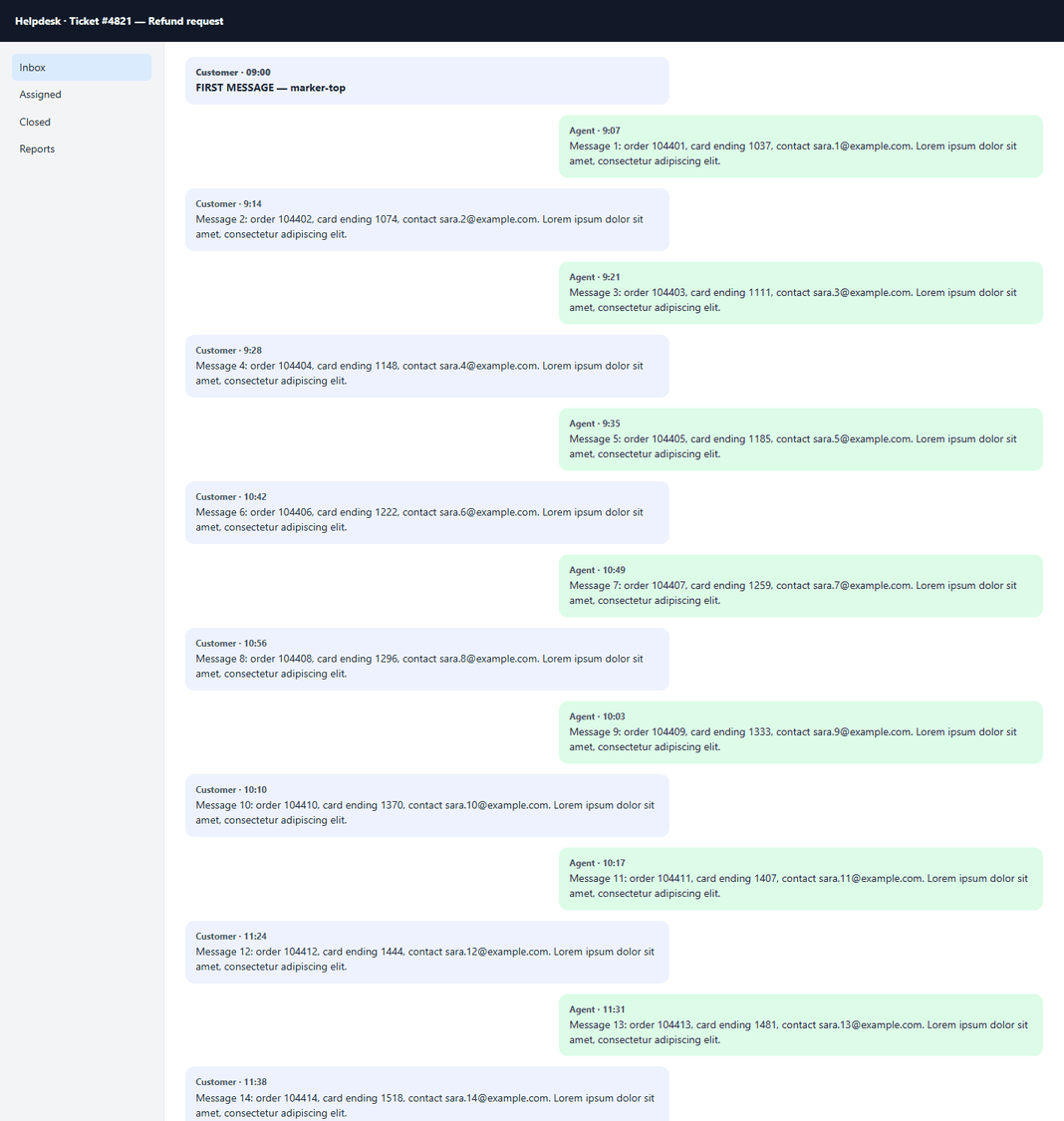
Awesome Screenshot combines screenshots with screen recording and cloud sharing. We compared only its screenshot features. We captured two test pages with each extension: a long analytics report (sticky header, eight lazy-loaded charts, about 6,300 px of tables and a floating chat button) and an app-style help desk where the window does not scroll but the message thread does.
Tested on 30 October 2026 with Awesome Screenshot 4.4.44 and Capurize 1.0.2 in Chrome, 1440 × 900 window. Results can change as both extensions are updated.
Side by side
| What we checked | Awesome Screenshot | Capurize |
|---|---|---|
| Long page stitching | 1 pixel row lost at each of 11 joins (6,324 of 6,335 px) | Exact (6,335 px) |
| App-style page with a scrolling inner panel | Whole thread captured | Whole thread captured |
| Floating chat button | Included in the image | Hidden by default (setting) |
| Blur | Free | Free: blur, pixelate or solid, burned into the export |
| Numbered steps | PRO | Included |
| Callouts and inserted images | PRO | Included (text callouts, image insert) |
| Watermark | Beta | Included (text or logo) |
| Screen and video recording | Yes | No, screenshots only |
| Account / cloud | Sign-in and cloud saving offered | No account, nothing uploaded |
Stitching accuracy
Full-page tools scroll the page and join screenshots together. If the joins are off by even one pixel, text that lies on a join is cut. These two strips show the same table row from each capture, enlarged 2×.


Scrolling panels in web apps
Both extensions captured the whole message thread on our app-style test page.
Which one should you use?
Awesome Screenshot fits if…
- You also need screen or webcam video recording.
- You want screenshots stored and shared from a cloud account.
Capurize fits if…
- You need captures that match the page exactly, without cut text at the joins.
- You want numbered steps, callouts, images and watermarks without a PRO plan.
- Your screenshots contain client or customer data and must stay on your computer.
Questions
Is Capurize a free Awesome Screenshot alternative?
For screenshots, yes. Capurize captures full pages, regions, elements and scrolling panels and includes its full editor free during launch. It does not record video.
Why does text get cut in some full-page screenshots?
Full-page tools join several screenshots. If a join is misaligned by a pixel, text lying on it loses a line of pixels. In our test Awesome Screenshot lost one row at each join; Capurize’s capture matched the page exactly.
Does Capurize upload my screenshots?
No. Capturing, editing and exporting all happen on your computer. There is no account and no cloud storage.
Related guides
Full-page screenshot not working? How to fix it
Why full-page screenshots sometimes show blank sections, repeated headers or only part of the page, and how to fix each problem.
How to redact sensitive information in screenshots safely
Why a black box isn’t always enough, the difference between blur, pixelate and solid redaction, and a checklist before you share.
How to take a full-page screenshot in Chrome (3 ways)
Three reliable ways to screenshot an entire web page in Chrome, including the hidden DevTools command, and when each one is the right choice.
How to save a web page as a multi-page PDF
Turn a long web page into a clean, paginated PDF that looks exactly like the page, with page breaks between lines of text.