From web page to finished screenshot
The whole process takes a few seconds and happens entirely in your browser.
Choose what to capture
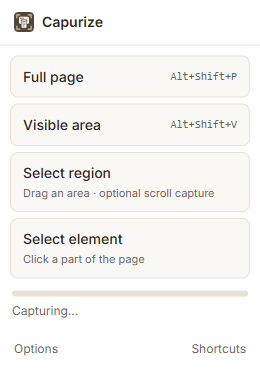
Click the Capurize icon in the Chrome toolbar and pick a mode, or press Alt+Shift+P to capture the full page straight away.
For a full page, Capurize scrolls through the page, screenshots each screen and stitches them together. For a region or element, you select it first.
Edit in Capurize Studio
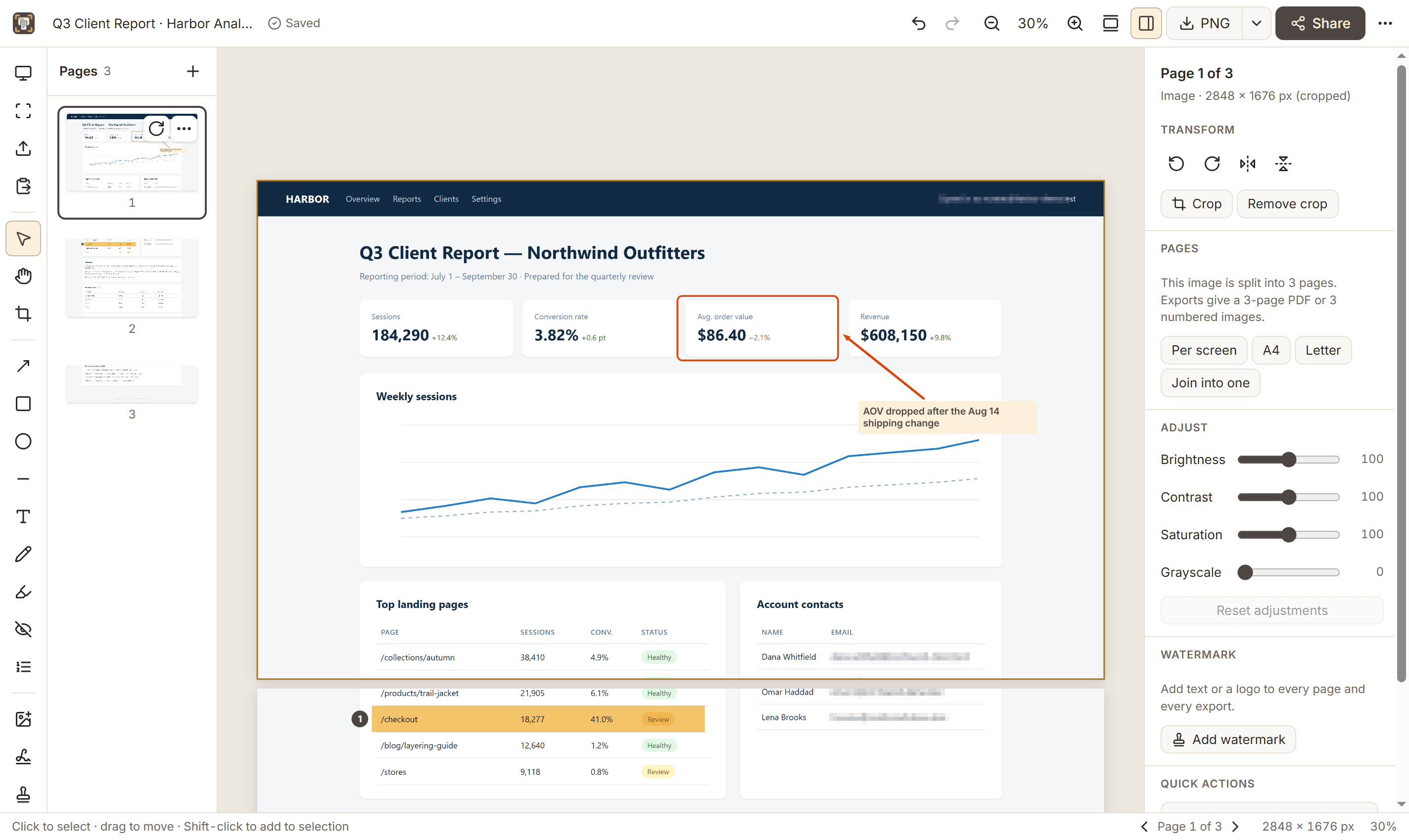
The capture opens in a new tab. Long pages are already split into clean pages. Add arrows, notes, highlights and numbered markers, hide private details, crop, or add a watermark.
Everything stays editable and is saved automatically until you export.
Export or share
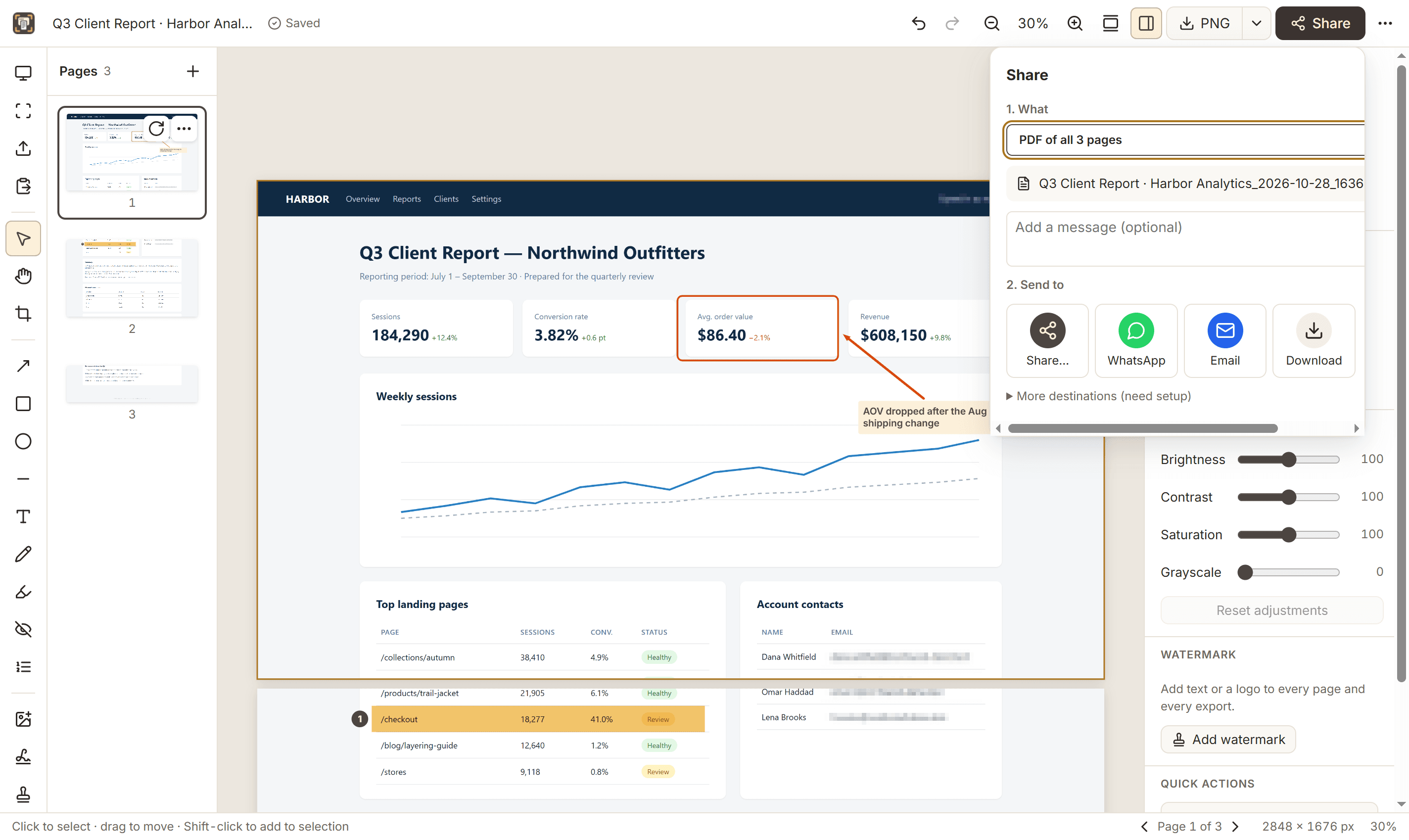
Download a PNG with one click, export a multi-page PDF, copy the image to paste anywhere, or open an email or WhatsApp hand-off with the file ready.
Multi-page projects download as a single PDF or as numbered image files.
Good to know
Chrome doesn’t allow any extension to capture its own pages (like chrome:// settings) or the Chrome Web Store. Pages that load content as you scroll may need a longer “wait after each scroll” in Options. See the help center for more.